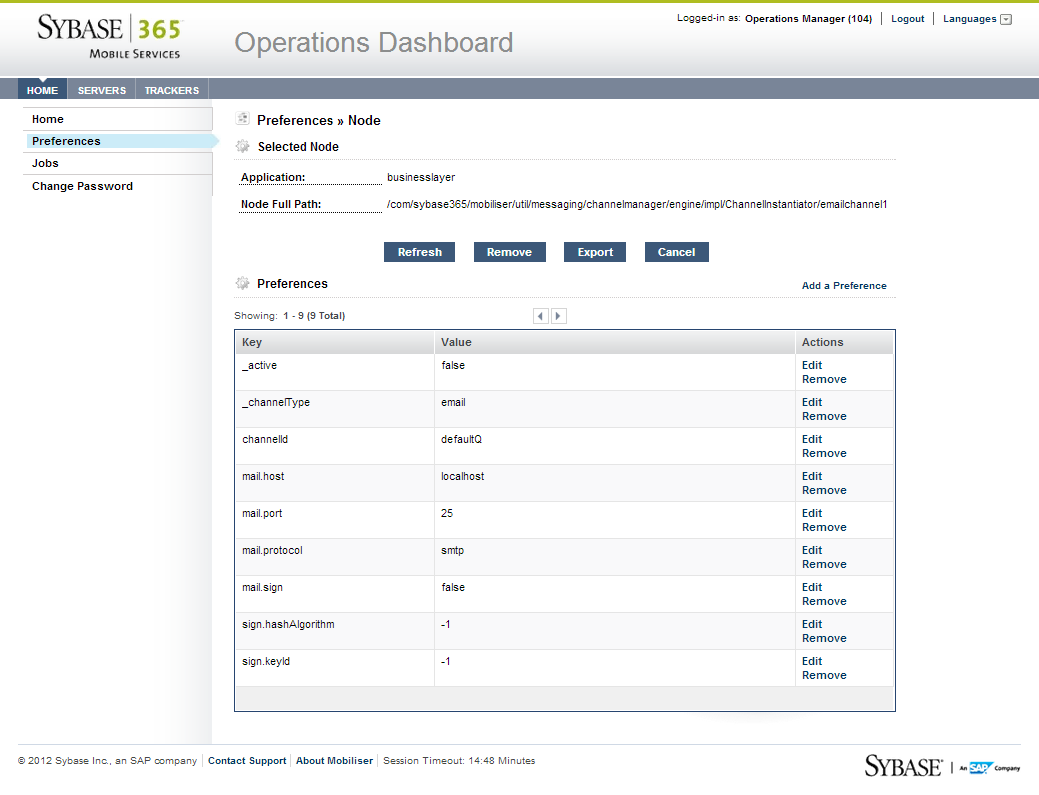
Preference nodes store system preferences and configuration data. Each system preference contains a key-value pair associated with a preference path. You can add a preference node, which requires the application name and full node path. If the application does not exist, you must add the application before adding a preference node. You can remove preference nodes, but you cannot edit them.
Additionally, you can export the node information to XML, which contains the application name, path of the node, and preference keys and values.