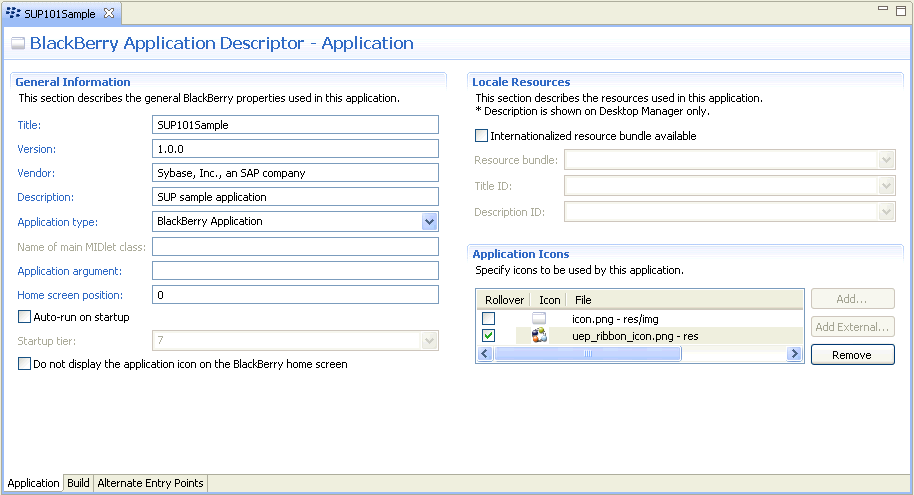
Goal: Indicate the general BlackBerry properties used in this application.
- Click the SUP101Sample tab to open the BlackBerry Application Descriptor for the application.
- In Title, enter SUP101Sample.
- (Optional) Enter a Version, Vendor, or Description.
- In Application Icons, indicate the icon used to launch the application.
- Click Add External.
- Browse to an image file to use as the rollover application icon that is displayed on focus, select it, then click Open.As an example, this tutorial uses the Sybase mobile application icon file, uep_ribbon_icon.png. This file is not included in the Unwired Platform installation.
- Save the SUP101Sample descriptor file.
Next
Copy Unwired Platform BlackBerry runtime files and generated code to the SUP101Sample project.