Creating a Launch Configuration for the Project

Goal: Create and configure a new launch configuration for the SUP101Sample project.

  1. In the Java perspective, right-click the SUP101Sample project, and select Run-as > Run Configurations.
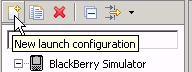
  2. Select BlackBerry Simulator in the left pane, click the new launch configuration icon, and select the SUP101Sample project in the right pane.
    bb_new_launch_config_icon
  3. In Name, enter SUP101Sample.
  4. Click the JRE tab, and select the JRE to use, in this case BlackBerry JRE 4.6.1.
  5. Click the Simulator tab, and select Launch Mobile Data System Connection Service (MDS-CS) with simulator, then select BlackBerry-SDK - 8900 as the device.
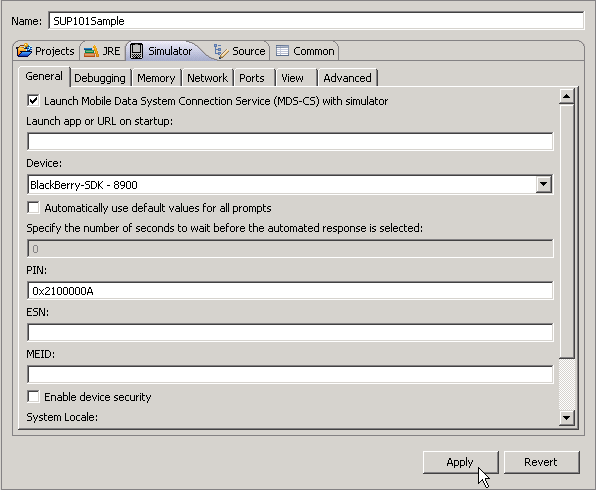
    bb_sup101_launch_config_simulator
  6. Click Apply.
  7. Click Close.