Submit a time recording when you want to record your time.
Prerequisites
- Your have activated the Time and Travel packages.
-
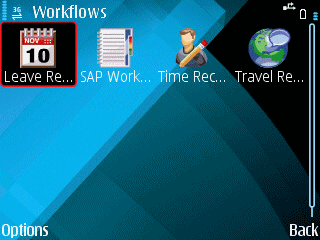
Open the Workflows screen.
Option Description From the Home page on phones like Nokia E71 From the Home page on phones like Nokia 5800 - Open the Time Recording package.
- Enter the Date and Time for the event.
- Select Continue.
- If your SAP login has changed, enter your new SAP Username and Password in the Change Credentials screen that appears. Contact your SAP system administrator if you do not know your new Username or Password.
- Set Time Event.
-
(Optional) Change Date and Time.
-
Select Submit.
A message is displayed saying that the Time Recording was submitted. You will not receive any further messages about your Time Recording submission.