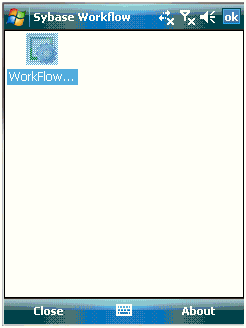
You must activate the SAP Workflow package before you can process SAP Workflow items.
Prerequisites
- Your Sybase Unwired Platform administrator must register your device for the SAP Workflow package on Sybase Unwired Server.
- The Mobile Workflow client must be installed on your device.
Task
The first time you open the SAP Workflow package, you must enter your Username and Password in an Activation screen. When your Username and Password are accepted, you are able to use to the SAP Workflow package.
- If you have Outlook E-mail set up, go to the Outlook E-mail screen and select to display the Sybase Workflow screen.If you do not have Outlook E-mail set up:
- Select .
- Select Text Messages.
- Select .
- Select .